Successful placement sample exists
Agent88 now has a concrete report sample showing the campaign creative placed into real-looking am730 and HK01 desktop/mobile article contexts, including leaderboard, right rail, lower mobile, and in-article slots.
Updated proof page for the RDS screencap reporting agent. We now have a visible successful result: publisher-page placement mockups across am730 and HK01, with the same campaign creative applied to desktop and mobile ad slots for client review.
This page now records visible progress from the latest build: the agent can produce a clean sample placement report from campaign creative plus publisher-page contexts. Still human-reviewed before any client delivery.
Agent88 now has a concrete report sample showing the campaign creative placed into real-looking am730 and HK01 desktop/mobile article contexts, including leaderboard, right rail, lower mobile, and in-article slots.
The visual proofing loop is working, but a final RDS pack still needs confirmed advertiser name, campaign name, landing URL, approved publisher URLs, report period, and final template preference.
The current success is controlled placement proofing and report generation, not verified live served-ad capture. This is the right Phase 1 wedge for fast agency review and approval.
This is the new proof of progress Clyde can show: one campaign creative applied across five publisher placements, packaged as a report-style visual sample instead of a loose screenshot dump.
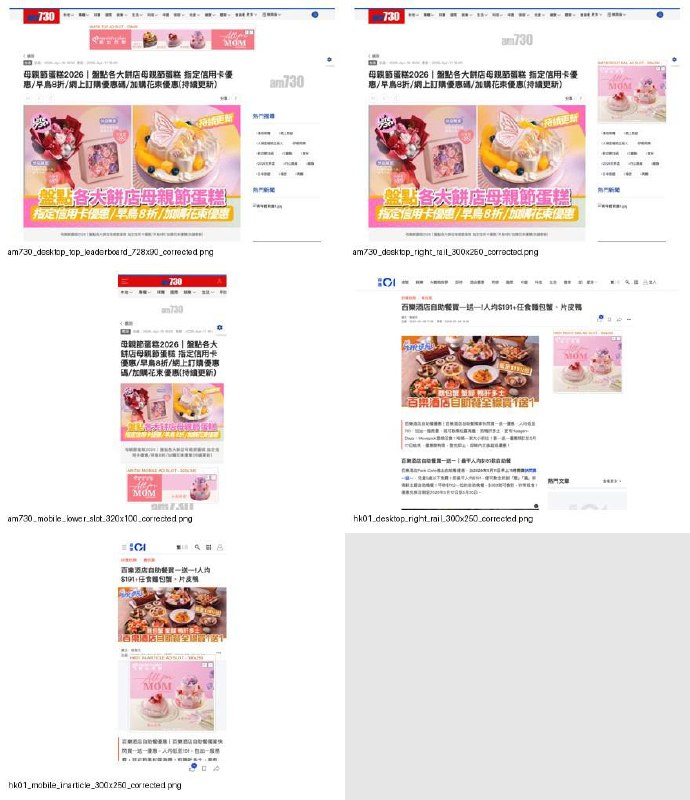
Publisher-specific placement mockups are being generated with clearer slot discipline across desktop and mobile contexts, then collected into a presentable report sample.
The agency-facing wedge is now concrete: send banner creative plus target publisher contexts, receive a client-ready proof pack for approval instead of manually assembling screenshots.
Agent88 still labels outputs as controlled proof, keeps approval in the loop, and flags final metadata/page-context confirmation before client delivery.
Map these successful samples back into the RDS PPT/report structure with campaign fields, launch dates, landing URL, and brand-safety notes.
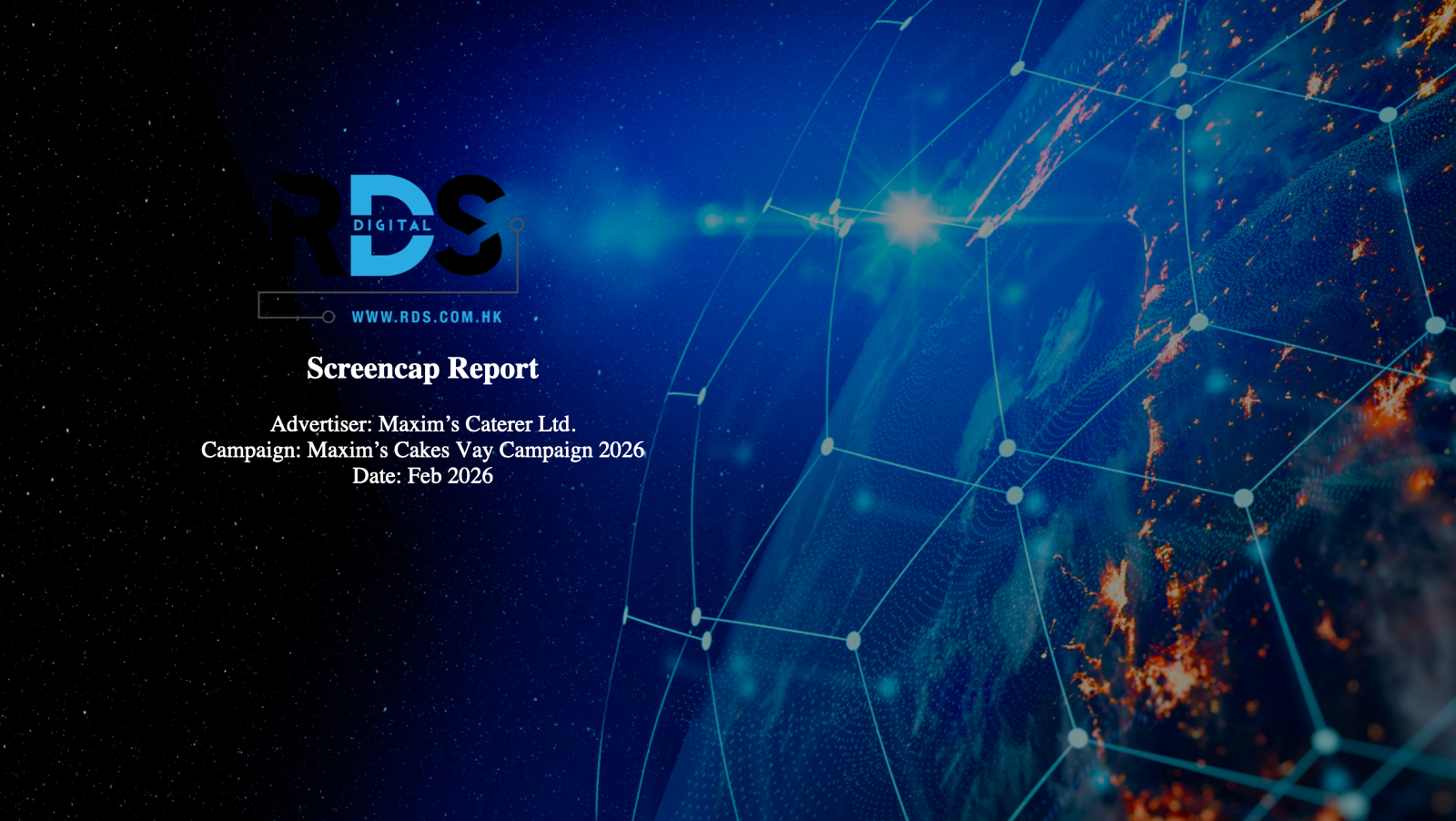
The original report cover has a rugged dark background and cyan-blue motif. We should preserve that character while showing the newer successful placement samples below.
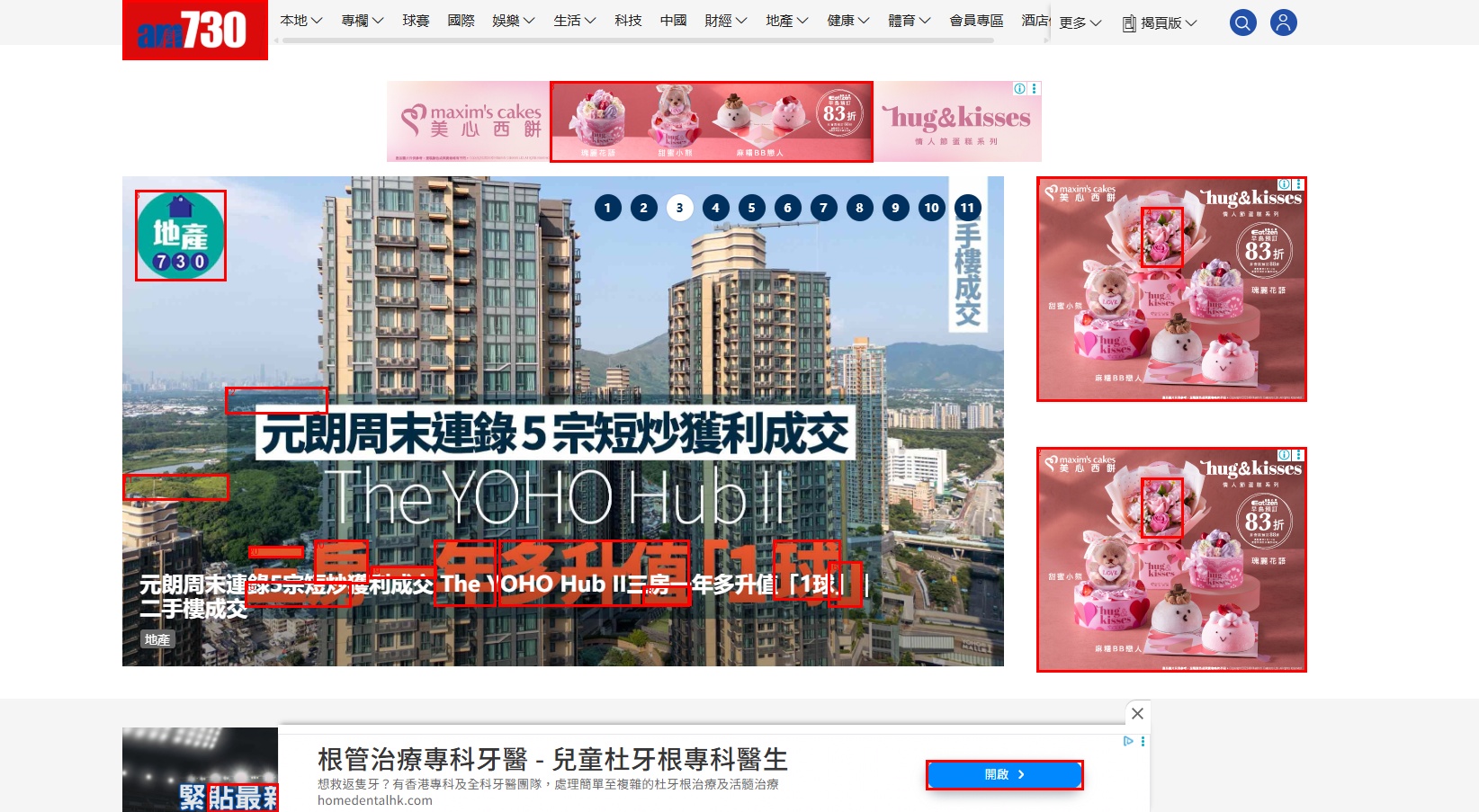
The am730 PPTX reference slide must be counted as three banner placements on one screenshot: one top leaderboard and two right-rail 300x250 rectangles.
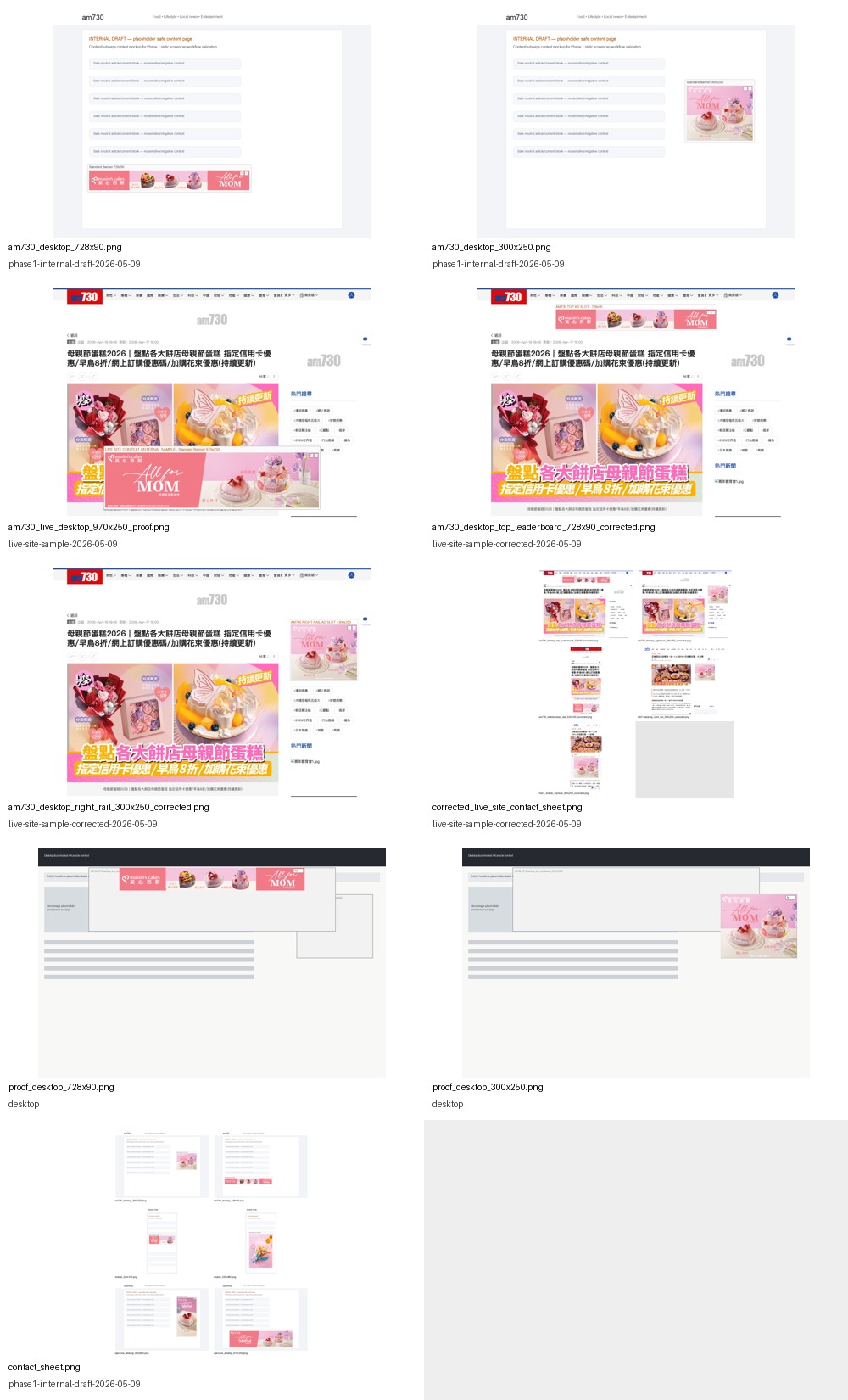
Earlier outputs were internal milestones. The latest sample now gives us a credible client-review surface while keeping the correct controlled-proof caveat.
Shows multiple proof variants, including am730 728x90 and am730 300x250, but as separate images rather than one template-faithful am730 reference slide with three placements visible together.
Historical only. Prior QA found placement errors caused by visual composition rather than confirmed ad-slot/container placement.
Better placement discipline across am730 and HK01: top leaderboard, right rail, mobile lower slot, and mobile in-article placements. This is now suitable to show as process made, with controlled-proof labelling.
Cleanest controlled prototype: static assets, explicit slots, GDN overlay, contact sheet, QA checklist. Missing confirmed metadata and only renders 728x90, 300x250, and 320x100.
The sample proves the direction. These are the minimum inputs needed to turn it into a final RDS-style client pack.
Keep the website focused on the proof sample. The WhatsApp follow-up is handled separately in chat, not embedded on this page.
Confirm campaign metadata, landing URL, approved publisher URLs, and report/template preference. Then Agent88 can map the successful placement samples into the final RDS-style report format for human review.